The Best AI Transcription Software for Journalists in 2026
For a long time, the most tedious part of journalism wasn’t finding the story, or even writing the article—it was transcribing the interviews. Hours spent hitting pause, rewind, and type, just to capture a few essential quotes.
Today, AI transcription software has fundamentally changed the workflow for reporters, freelancers, and newsrooms. But with so many tools on the market, what is the best AI transcription software for journalists?
In this guide, we’ll explore why accuracy, speaker detection, and data privacy make all the difference, and how tools like Skribo are leading the charge.
Why Journalists Need Specialized Transcription
Not all transcription tools are built the same. A general-purpose dictation app might work for a quick note, but an hour-long investigative interview with multiple speakers, background noise, and technical jargon requires something more robust.
Here is what modern journalists need to look for:
1. High Accuracy and Confidence Scoring
When quoting a source on the record, accuracy isn’t just a “nice-to-have”—it’s an ethical requirement. The best AI transcription tools don’t just guess words; they provide confidence scoring. This allows reporters to quickly see which words the AI is unsure about, highlighting them for manual review rather than forcing the journalist to re-listen to the entire audio file.
2. Word-Level Timestamps & Karaoke-Style Editors
Have you ever stared at a massive block of text and wondered exactly how a source said a specific phrase? Word-level timestamps sync the text directly to the audio. With a karaoke-style playback editor, journalists can click on any word in the transcript and instantly hear the audio playback from that exact millisecond.
3. Advanced Speaker Diarization
Interviews rarely involve just one person. Press conferences, panel discussions, and roundtables feature multiple voices. Speaker detection (diarization) automatically identifies who is speaking and separates the transcript into clearly defined paragraphs for “Speaker 1”, “Speaker 2”, and so on.
4. Offline Capabilities and Data Privacy
For investigative journalists, data security is paramount. Sending sensitive whistleblower interviews to a cloud server isn’t always an option. Top-tier tools offer local, offline AI transcription (like Gemini Nano integration) so that audio files never have to leave your device.
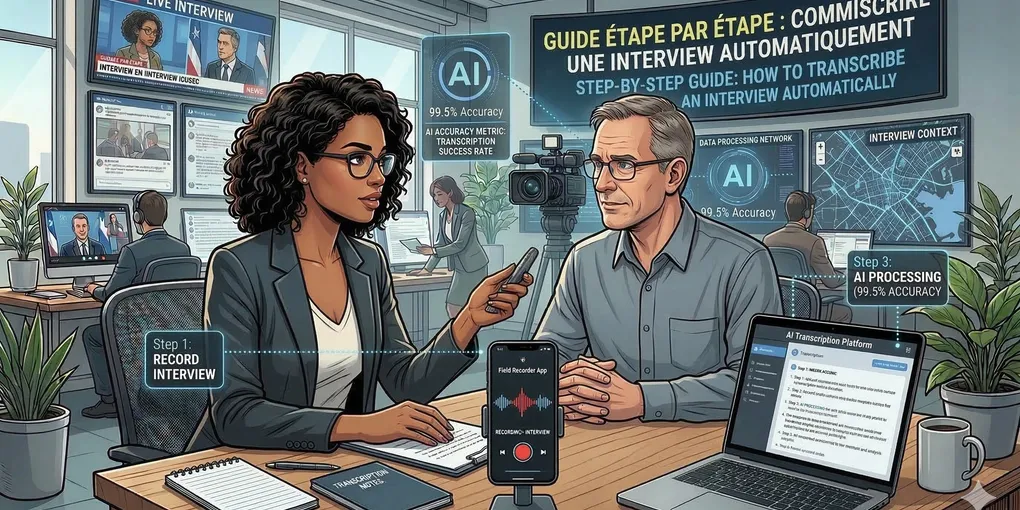
How to Transcribe an Interview in Minutes
If you’re still transcribing manually, here is how you can streamline your workflow:
- Record High-Quality Audio: Use a dedicated dictaphone or a high-quality smartphone app. The clearer the audio, the better the AI can transcribe it.
- Upload to an AI Tool: Drag and drop your audio or video file into your transcription software. (Skribo can even extract audio directly from video files).
- Review and Edit: Use the playback editor to correct any misheard words, specifically focusing on domain-specific names or jargon.
- Export in Your Preferred Format: Export the final text as a Word document, TXT file, or even SRT/VTT for video captions.
Why Skribo is Built for Journalists
Skribo was built from the ground up to solve the specific bottlenecks that professionals face. It offers industry-leading accuracy through advanced AI models, an intuitive playback editor, and flexible offline capabilities for maximum privacy.
Moreover, Skribo operates on a transparent, pay-as-you-go model. There are no expensive monthly subscriptions for features you don’t use—you only pay for the minutes you actually transcribe, and your credits never expire.
Ready to get your time back? Start transcribing your interviews in minutes with Skribo’s free trial and focus on what you do best: reporting the story.