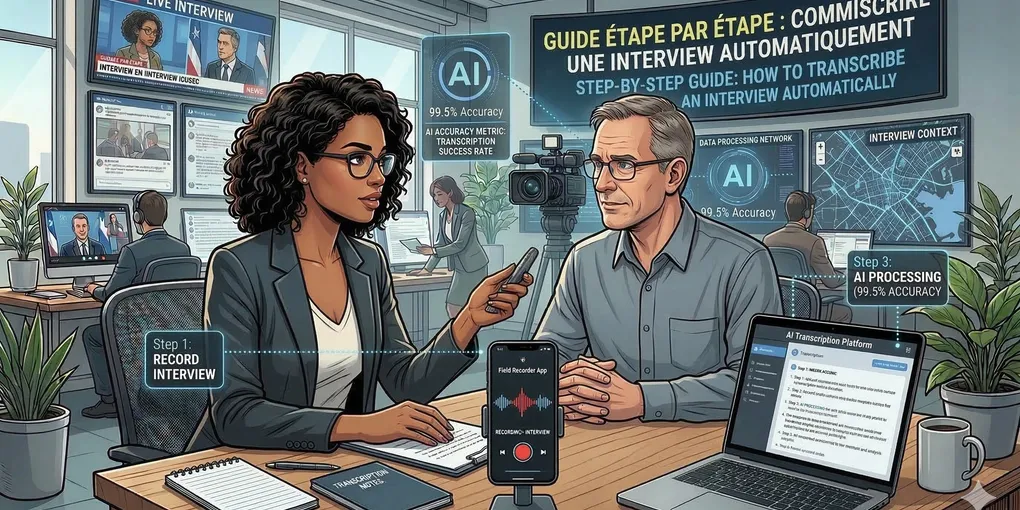
How to Transcribe an Interview Automatically: A Step-by-Step Guide
Conducting interviews is a fundamental part of research, journalism, hiring, and content creation. However, turning those audio or video recordings into written text—transcription—has traditionally been a tedious, time-consuming, and often expensive process.
Fortunately, artificial intelligence has revolutionized this workflow. In this guide, we’ll show you exactly how to transcribe an interview automatically, saving you hours of manual labor while maintaining high accuracy.
Why Automate Your Interview Transcription?
Before diving into the “how,” let’s quickly review the “why”:
- Massive Time Savings: Manual transcription typically takes 3 to 4 hours for every 1 hour of audio. Automated tools can do it in minutes.
- Cost-Effective: Hiring professional human transcriptions can cost $1 to $2 per minute or more. AI transcription is a fraction of the cost, and sometimes even free for smaller projects.
- Searchability: Automatically generated transcripts allow you to instantly search for key quotes, names, or topics across hours of audio.
- Accessibility: Transcripts make your content accessible to the deaf and hard of hearing, and they are essential for creating captions for video interviews.
Step 1: Record High-Quality Audio
The accuracy of any automatic transcription tool is heavily dependent on the quality of the original audio. Here are some tips for getting the best recording:
- Use a Decent Microphone: Don’t rely solely on your laptop’s built-in mic. A dedicated USB microphone or a good lapel mic for in-person interviews makes a huge difference.
- Minimize Background Noise: Conduct the interview in a quiet room. Turn off fans, close windows, and put phones on silent.
- Encourage Clear Speech: Ask your interviewee to speak clearly and at a moderate pace. Try not to talk over each other, as overlapping speech can confuse AI models.
- Test Your Setup: Always do a quick 10-second test recording to ensure levels are good and there’s no harsh clipping or echoing.
Step 2: Choose the Right Automatic Transcription Tool
There are many AI transcription tools available today. When selecting one, consider these features:
- Accuracy: Look for tools powered by advanced AI models (like Google’s Gemini, OpenAI’s Whisper, etc.).
- Speaker Diarization: This is crucial for interviews. The tool should automatically detect who is speaking and separate the text into “Speaker 1,” “Speaker 2,” etc.
- Language Support: Does it support the language or specific dialect of your interview?
- Editing Interface: A good tool will link the text directly to the audio, allowing you to click on a word and hear that exact moment to easily correct any minor mistakes.
Skribo (that’s us!) is built specifically for these needs, offering highly accurate, pay-as-you-go transcription with automatic speaker detection and an intuitive interactive editor.
Step 3: Upload and Transcribe
Once you have your audio file (usually an MP3, WAV, or M4A) and your chosen tool:
- Log in to your transcription platform.
- Click “Upload” or drag and drop your audio file into the application.
- Select the language of the recording if prompted.
- Hit “Transcribe.”
Modern AI tools will process a 60-minute interview in just a few minutes.
Step 4: Review and Refine the Transcript
No AI is 100% perfect, especially with heavy accents, technical jargon, or poor audio quality. You will likely need to do a quick review:
- Assign Speaker Names: The tool will likely label speakers generically (e.g., “Speaker A”). Change these to the actual names of the interviewer and interviewee.
- Spot Check Errors: Use the interactive editor. Skribo, for example, highlights words it is unsure about (low confidence scores). Play back the audio for those specific sections and correct the text inline.
- Format for Readability: Break up long paragraphs or add punctuation where the AI might have missed a subtle pause.
Step 5: Export and Use Your Transcript
Once you’re happy with the text, it’s time to put it to work!
Most tools allow you to export the transcript in various formats:
- Microsoft Word (.docx) or Text (.txt): Best for reading, quoting, and archiving.
- SRT or VTT: These are subtitle formats, perfect if you plan to publish the interview as a video on YouTube or social media.
- Markdown (.md): Ideal if you are publishing straight to a blog or technical platform.
Conclusion
Learning how to transcribe an interview automatically is one of the highest-return productivity hacks for anyone dealing with spoken content. By focusing on good audio capture and utilizing modern AI tools like Skribo, you can reclaim hours of your day and focus on what really matters: analyzing the insights from your interviews and crafting compelling stories.