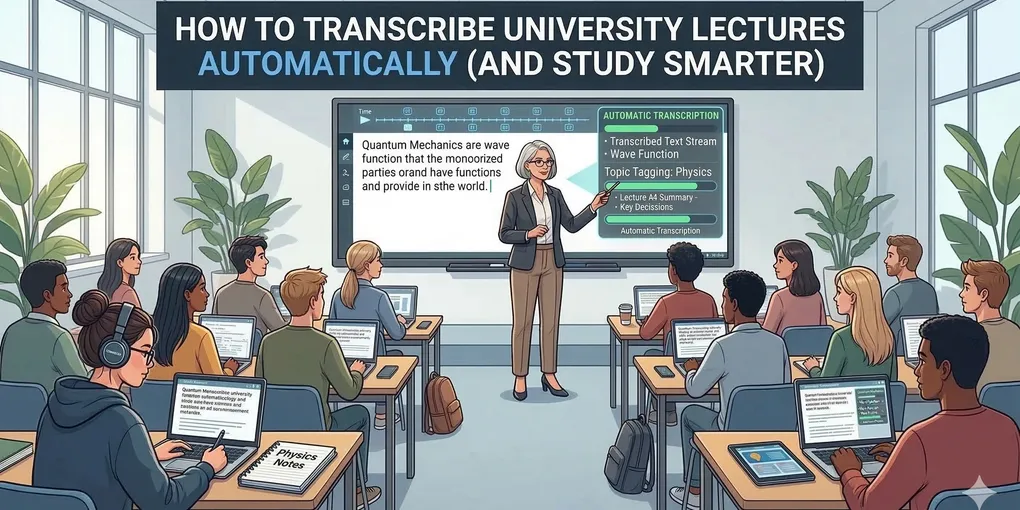
How to Transcribe University Lectures Automatically (And Study Smarter)
Every university student knows the feeling: the professor is speaking at the speed of light, flashing through densely packed slides, and you are desperately trying to write down every word. By the time the lecture ends, your hand hurts, and your notes are a chaotic mess.
If you are spending hours re-listening to 90-minute lecture recordings just to find one explanation, there is a better way. AI audio transcription has become the ultimate study hack for students wanting to study smarter, not harder.
The Problem with Manual Note-Taking
Studies consistently show that when students are trying to transcribe a lecture verbatim, they aren’t actually processing the information. You become a human dictation machine, rather than an active learner.
Recording the lecture on your phone helps, but flipping through audio files before an exam is incredibly inefficient. You need text. You need something you can search, highlight, and bookmark.
Enter AI Speech-to-Text for Students
Using an AI transcription tool like Skribo transforms a standard audio recording into a powerful study asset. Here is how it changes the game:
1. 100% Searchable Notes
Imagine it’s the night before a final exam, and you need to review the professor’s explanation of “cellular respiration.” Instead of clicking through three different audio files, you simply type the keyword into your transcript. The software highlights every instance the phrase was said.
2. Word-Level Timestamps
With tools like Skribo, every single word in the transcript is synced to the audio. If a transcribed paragraph sounds confusing, just click the sentence. The audio will immediately start playing back from that exact millisecond, so you can hear the professor’s tone and context.
3. Speaker Detection for Study Groups
Working on a group project or running a study session? A good transcription app features Speaker Diarization. This means the AI automatically detects different voices and labels them (Speaker 1, Speaker 2, Speaker 3). You can instantly generate meeting minutes for your group assignments without any manual effort.
4. Exporting to Markdown and Word
Once the lecture is transcribed, you can export the text directly into your favorite note-taking apps. Skribo allows you to download transcripts as Markdown (.md) files, making it incredibly easy to paste them into Obsidian, Notion, or Roam Research. You can also export to Microsoft Word (.docx) for structured formatting.
How to Get Started for Free
You don’t need a pricey $20/month subscription just to transcribe a few lectures a week.
Skribo offers a transparent, pay-as-you-go pricing model starting at roughly $0.01 per minute. Your credits never expire, meaning you can buy a block of hours at the start of the semester and use them naturally as needed.
Ready to upgrade your study habits? Drop your next lecture recording into Skribo and get your first 5 minutes transcribed completely for free. Build an archive of searchable, perfectly accurate study notes and take the stress out of exam season.